
Transform
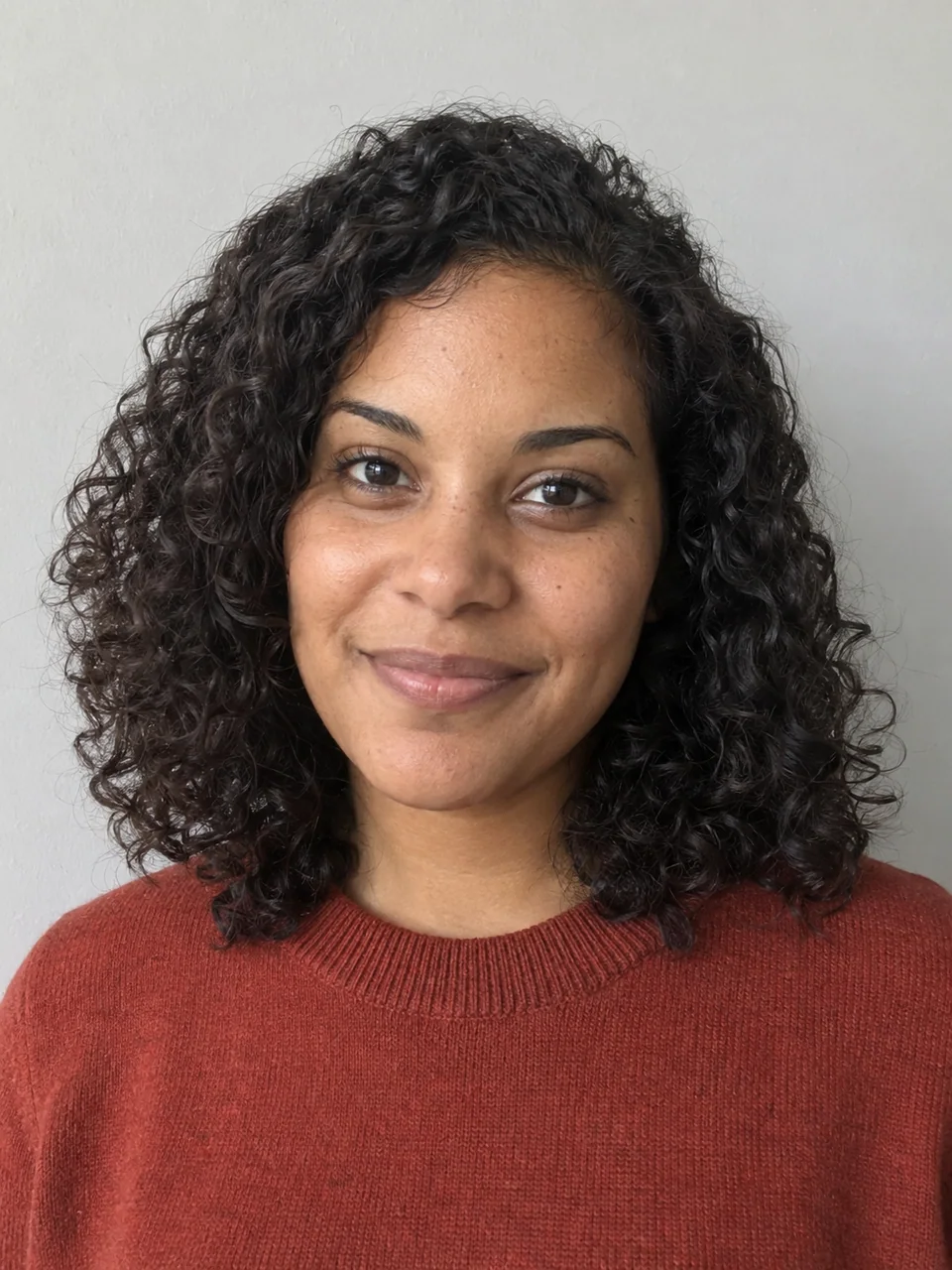
Start with an image you want to change.
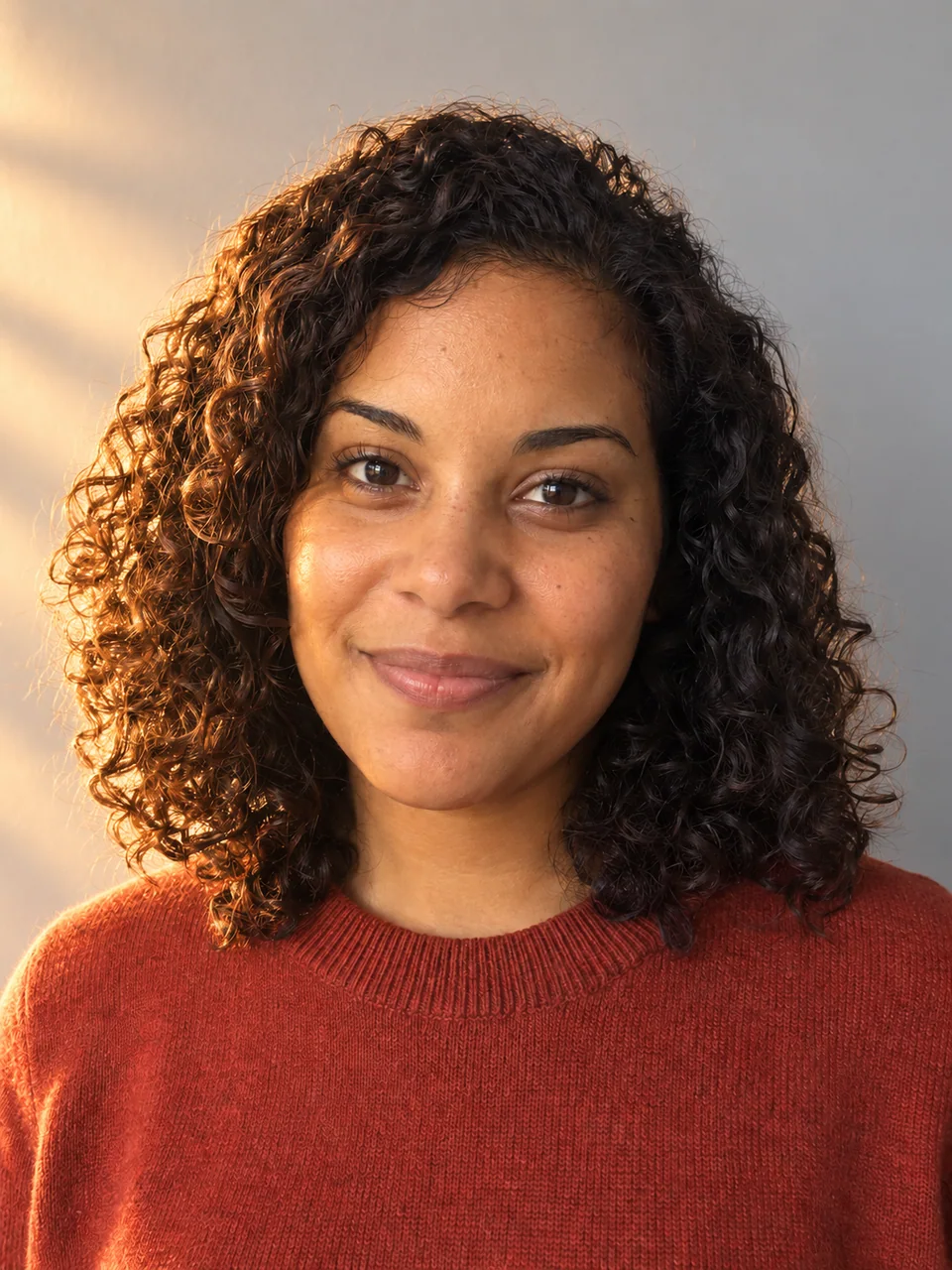
Change light, background, color, or style. Compare each version with your starting image, then continue from the one you prefer.
Relight · Example
Slide to compare
Find a direction for your image
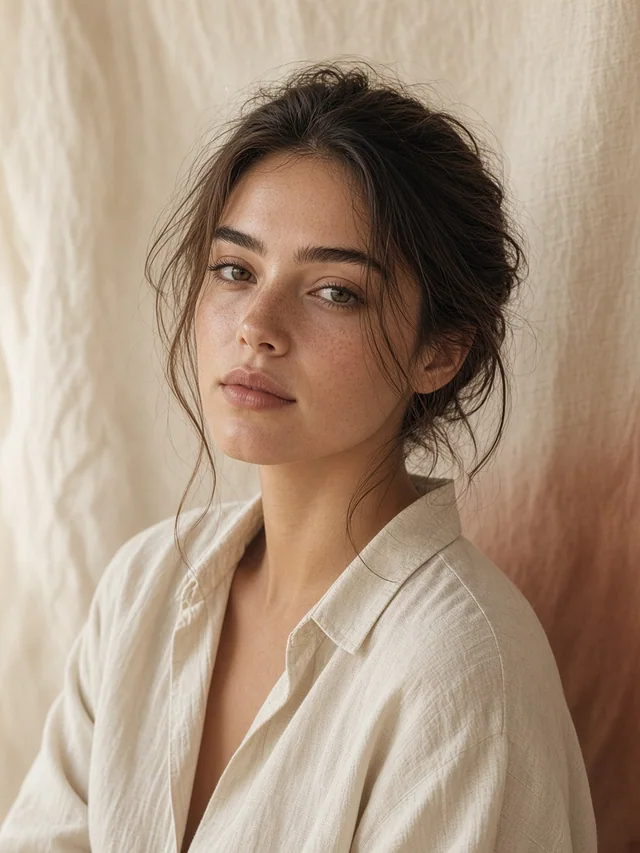
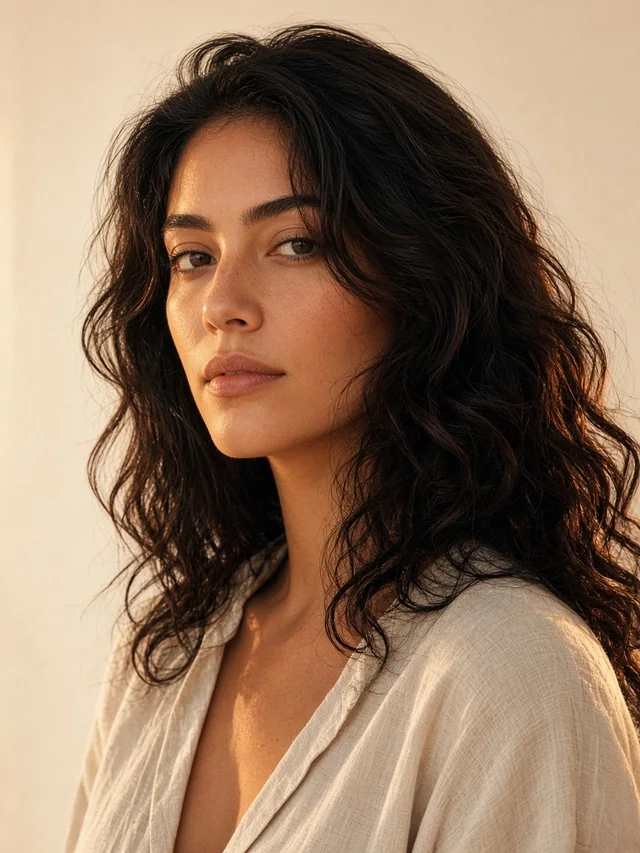
From a polished headshot to a game character. Choose a result, then make it with your own image.
Loading transformations…