
AI Image Generator
Turn your idea
into an image.
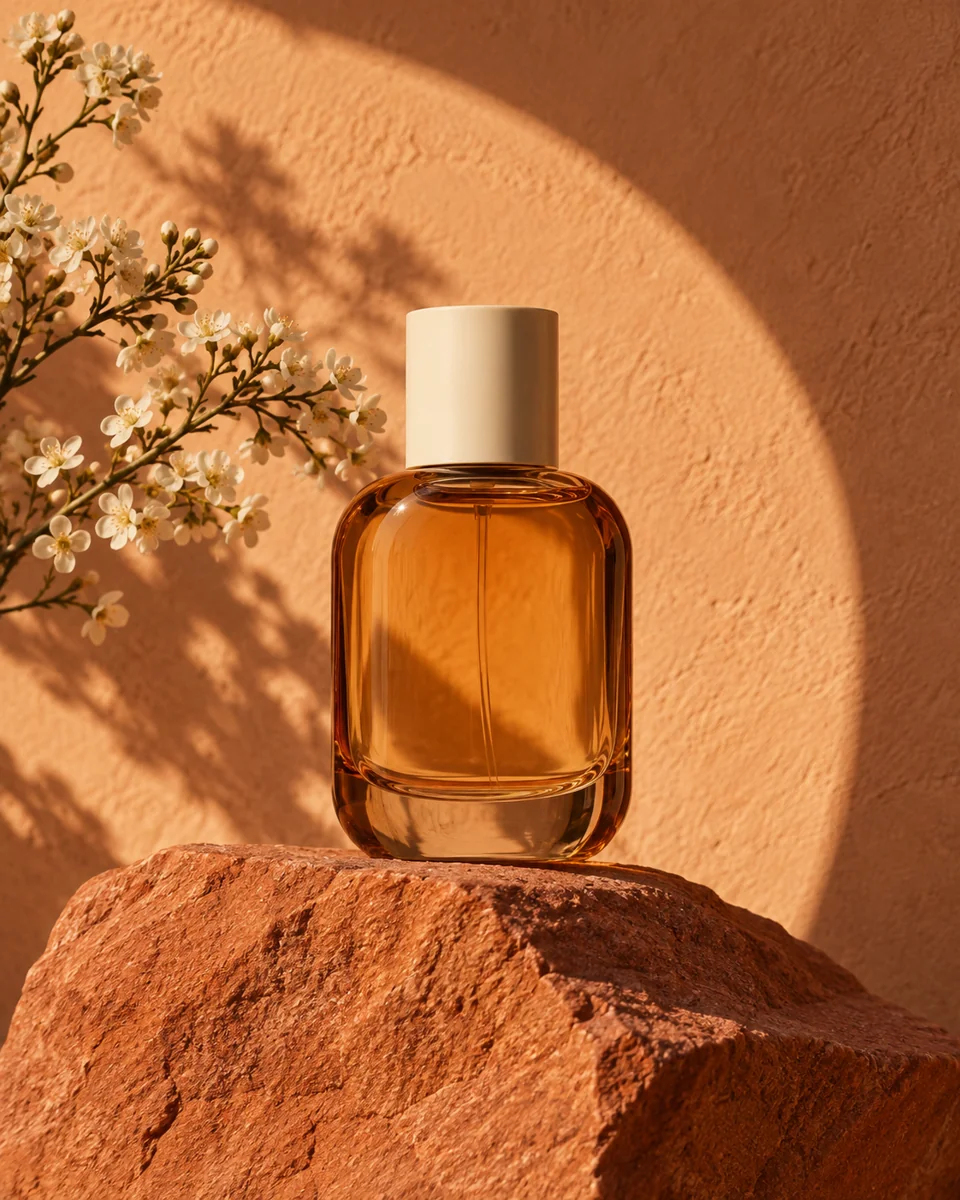
Create images from text: a portrait, a product scene, a character, an illustration or a place you can only imagine. Start with an ordinary sentence; you can shape the details as you go.
Create an image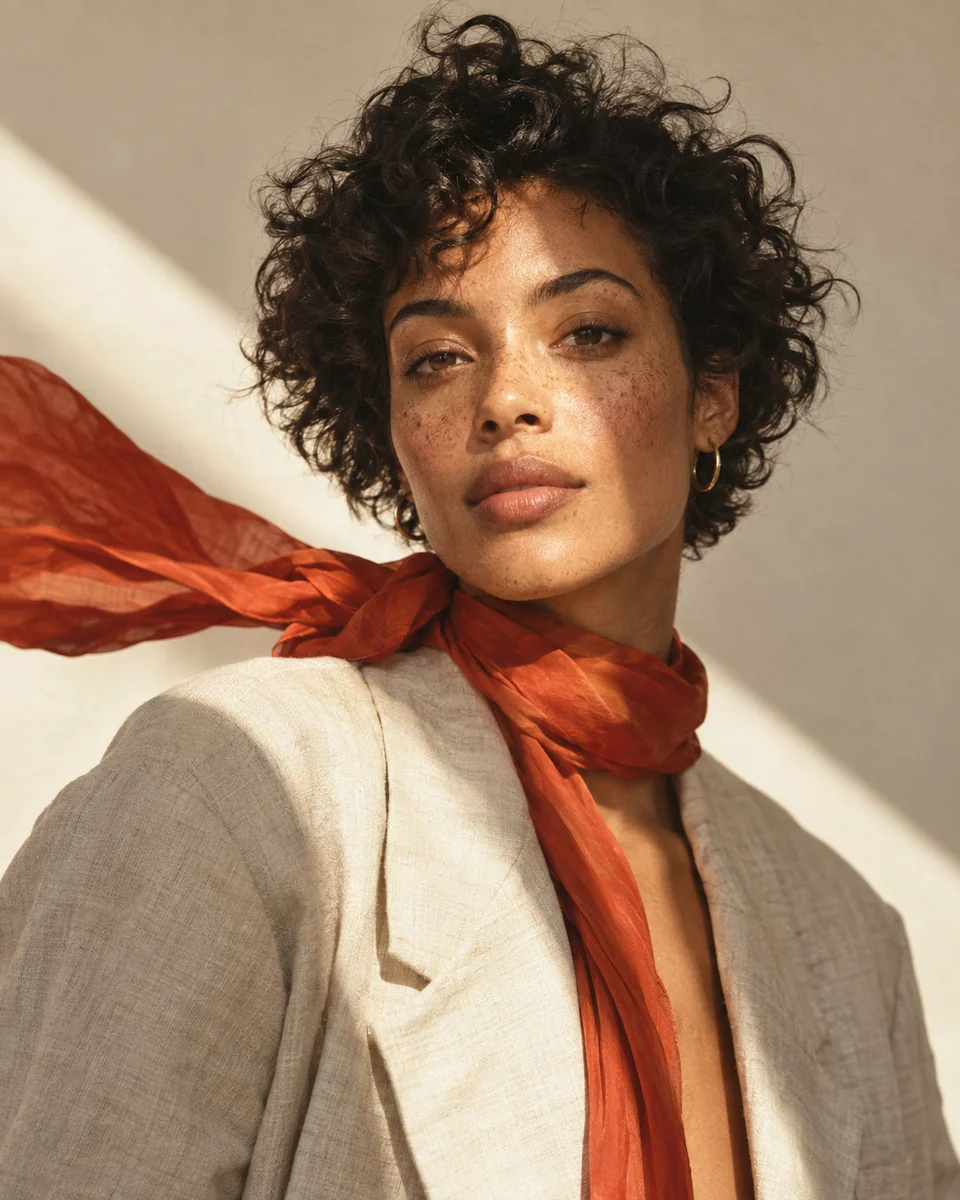
What will you make?
A cafe moment, a character for a story, a campaign image or a world for a game. These examples pair a result with the idea behind it, so you can start close to what you have in mind and make it your own.

Coffee Pour Concept
A stream of freshly brewed espresso falling into an ivory ceramic cup on a walnut cafe counter in warm morning light.

Editorial Metaphor Illustration
Making space for ideas: a person opens an enormous window in a rust-red wall, revealing a bright sky and paper birds.

Retro Coastal Travel Poster
A coastal road above a Mediterranean bay, with a yellow bicycle in the foreground.

Game Item Icon Concept
An emerald healing potion in a faceted glass flask with bronze leaf fittings, a cork and a small golden charm.

Anime Character Introduction
An airship mechanic with short indigo hair, amber goggles, a cream utility jacket, brick-red scarf, tool belt and boots, holding a spanner.

Architectural Massing Study
A small coastal library made from three limestone volumes around an open planted courtyard, with a roof terrace facing the ocean.

Lantern in the Night Garden
A child carrying a glowing amber lantern through a night garden of giant leaves, moonflowers and moths.

Brand Material Key Visual
A refill brand expressed as a looping ribbon of frosted green glass, calm and circular, on warm stone.
Start with a sentence.
Build the picture from there.
Your first AI image prompt can be as simple as a subject and a place. Add an action to tell a story, then choose light or a look that changes the feeling. You do not need to describe every detail before seeing a first result.
Getting started in Studio
A tiny flower shop on the moon.
A subject and a place are enough to begin.

A tiny flower shop on the moon, an astronaut carrying flowers.
An action gives the scene a story.

A tiny flower shop on the moon, an astronaut carrying flowers. Warm morning light, cinematic photography.
Light and a visual direction shape the atmosphere.
Keep the subject. Change the feeling.
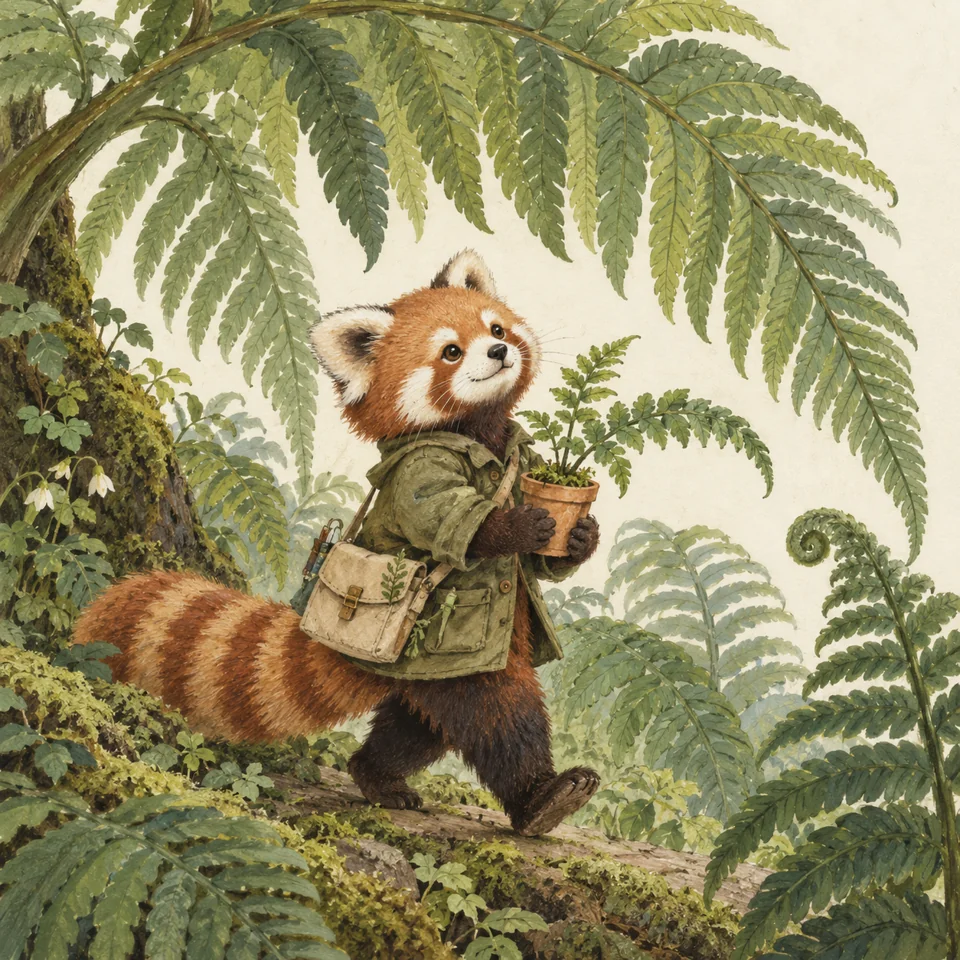
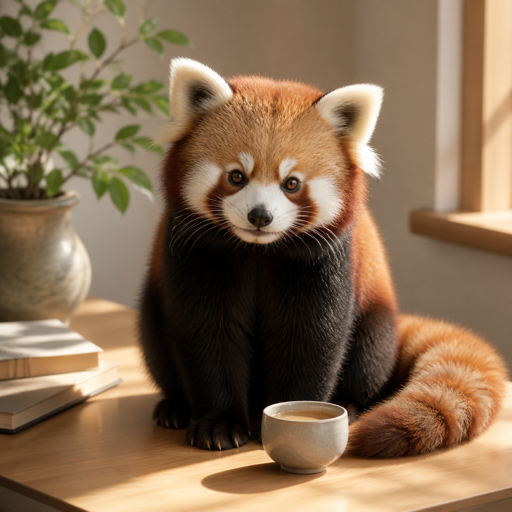
The same red panda can feel like a photograph, a painted illustration, a paper sculpture or a 3D character. Choose a style to guide the surface, texture and mood while your words describe what belongs in the picture.
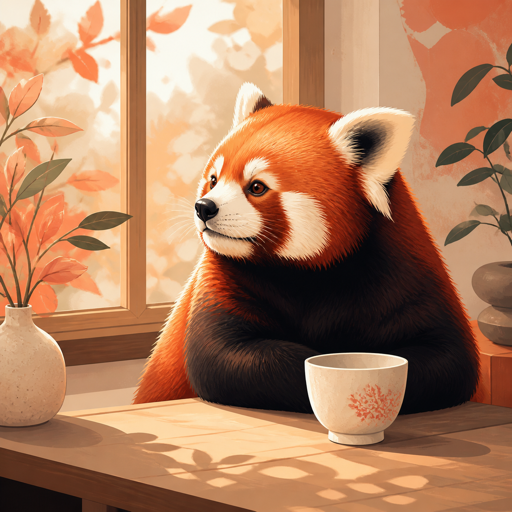
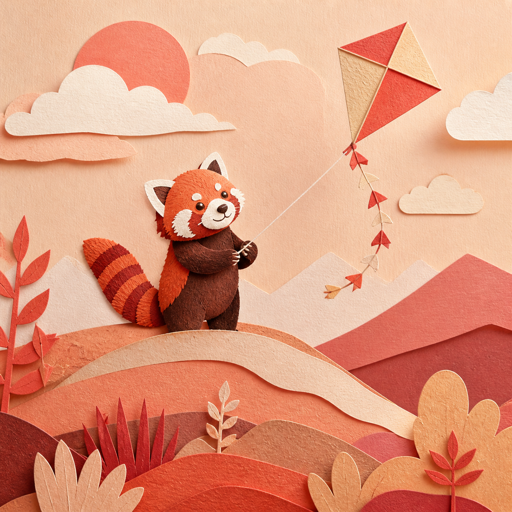
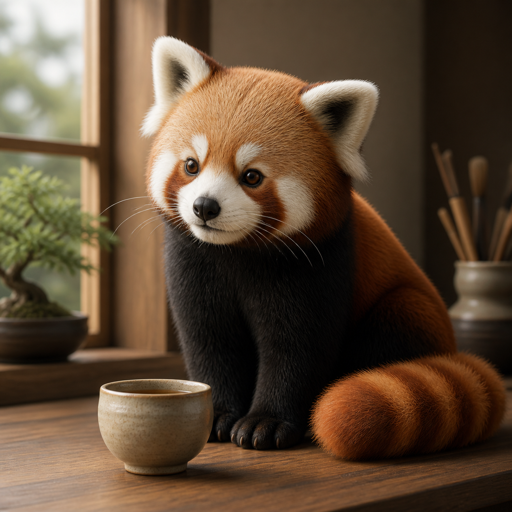
A good image
can be a beginning.
The first result gives you something to respond to. Keep a scene you like and explore another mood. Make a variation, use it as a reference for a new idea, or transform the image itself. Each new version leaves the original available to come back to.


Like the person, but want another setting? Try a transformation. Like the composition, but want a different finish? Use the image as a reference and describe the look. Check the next result alongside the original: faces, objects and framing can shift.
When you create while signed in, results are saved as Creations. Reopen one in Studio to make another version or use it as a reference without downloading and uploading it again. Keep and download your results
Already have an image?
A photo, sketch or earlier result can give your next image a starting point. The right path depends on what you want to carry forward.
Preparing your imageBefore you begin.
HelpWhat can I make with an AI image generator?
An AI image generator creates a new image from a text description. Describe a portrait, an invented character, a product scene, an illustration or a place that does not exist. Start with what you want to see, then use the result to decide what to change next.
What if the first result is not what I imagined?
You can edit the prompt and create again, make a variation of a result, or use it as a reference. Name the mismatch: a busier background, the wrong material, a different expression. Change one direction at a time so you can judge what helped; a new version may change other details too.
Do I need an account to start?
You can try creating as a guest. Sign in to save your results as Creations you can reopen on another device. Guest work stays in the same browser, so download images you want to keep.
How closely will it follow my idea or reference?
Your words and reference images guide a new result, but they do not guarantee exact details. Check faces, hands, lettering and product shapes at full size. If something feels off, change one part of the prompt or try another version.
Can I download my images?
Yes. Open a finished result in Studio to download it. Signed-in Creations remain available to revisit, use as a reference or continue in another direction.