
AI image Style
Clay
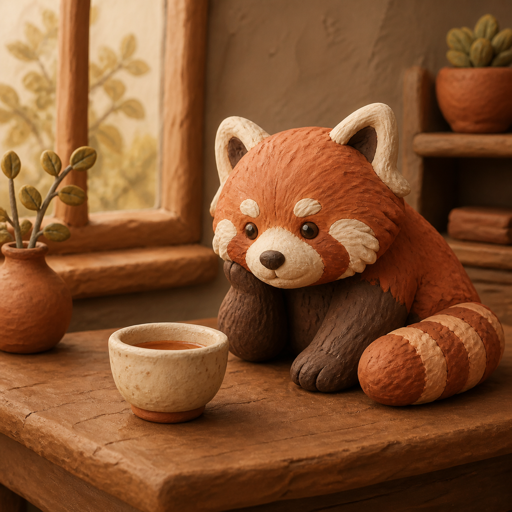
Soft rounded forms, matte surfaces, and small handmade imperfections make subjects feel sculpted from modelling clay. Choose it when a character, object, or miniature scene should feel playful and tangible.
Opens with Clay selected. Add your idea or source image after entering.
Compare another lookMatch the look to the task
Where Clay
can help.
- Friendly characters for stories, explainers, or playful campaigns.
- Product concepts where a familiar object can become a small sculpted model.
- Miniature scenes where simple props and a warm setting are part of the appeal.
When another look may fit better
- Fine mechanical details, small lettering, and narrow parts can soften or merge. Choose a photographic direction when these details are essential.
- Faces become more stylized, and a restyle can change proportions. Describe what to keep, then inspect the new image rather than expecting an exact clay replica.
See the direction
in different images.
A subject and a few useful details give the Style something to work with. Look at the material, shape, or light in each example, then decide what your own image needs.
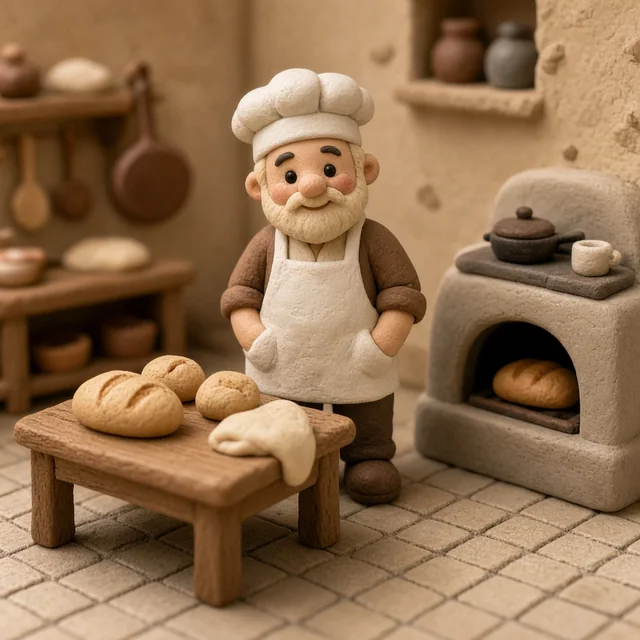
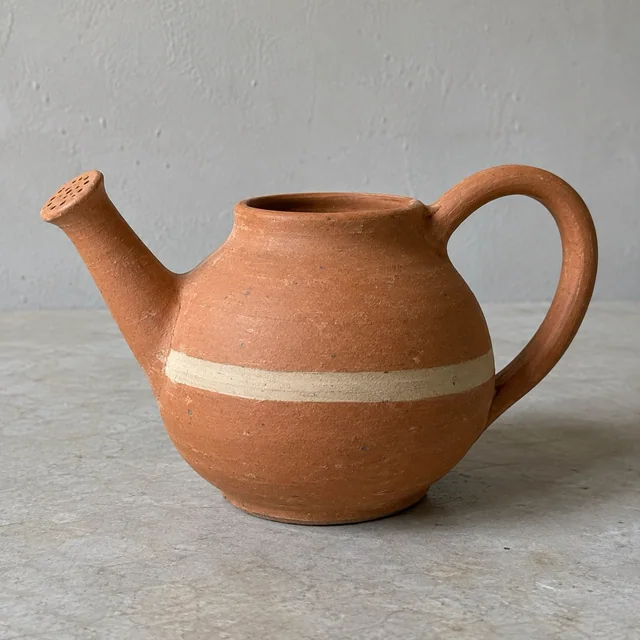
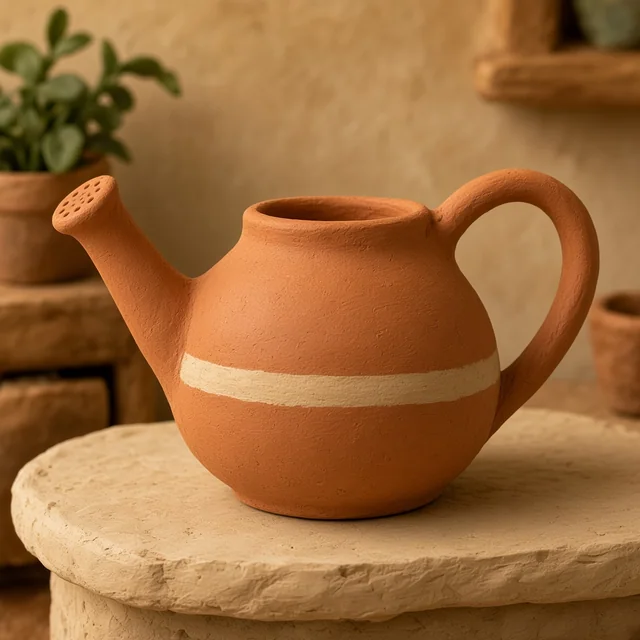
AI-generated examples of this visual direction. Your subject and prompt will also affect the result.
Your idea still matters
What to describe
with Clay.
A Style guides the treatment of the image. Your prompt supplies the subject, setting, action, and the details that make it yours. Start with a sentence you can picture, then add what matters.
“A red panda botanist carrying a terracotta pot through a greenhouse, morning light.”
The character, prop, place, and light come from the prompt. Clay gives those things a visual direction.
Describe the subject, its expression or action, and the features that should remain recognizable. Clay supplies a material direction, not the idea.
Say what the scene contains and how large it should feel: a tiny kitchen, one cup on a counter, or a full miniature garden.
Name important colors and light. Keep small props purposeful so the main shape is easy to read.
Compare visual treatments
Which look supports
your idea?
Clay This page
Rounded sculpted forms. Matte texture and handmade imperfections.
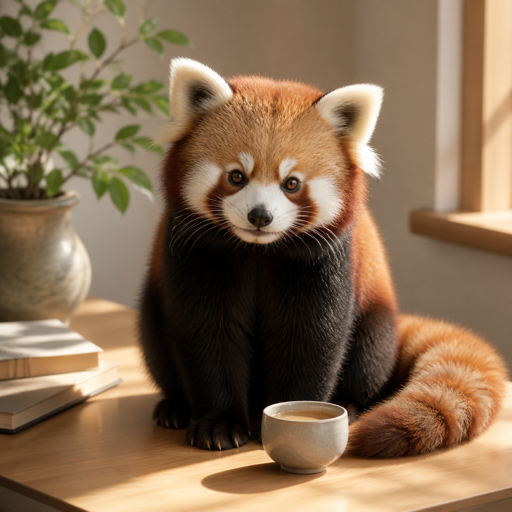
Photorealistic
Natural surface detail. Light and depth that feel photographic.
Explore PhotorealisticThese red panda examples share a subject, but pose, composition, and light also differ. Use them to compare visual direction, rather than as a controlled test of Style settings.
How do you want
to begin?
You can make a new image from an idea, or take an existing image in another direction. The first result is a starting point you can keep exploring.
Signed-in results are saved as Creations you can reopen and continue. Guest work stays in this browser. Keep a useful result, try a variation or another transformation, and download when you are ready to use it.
Prefer to describe your own look? Create without a Style →